> ## Documentation Index
> Fetch the complete documentation index at: https://docs.makeswift.com/llms.txt
> Use this file to discover all available pages before exploring further.
# Font
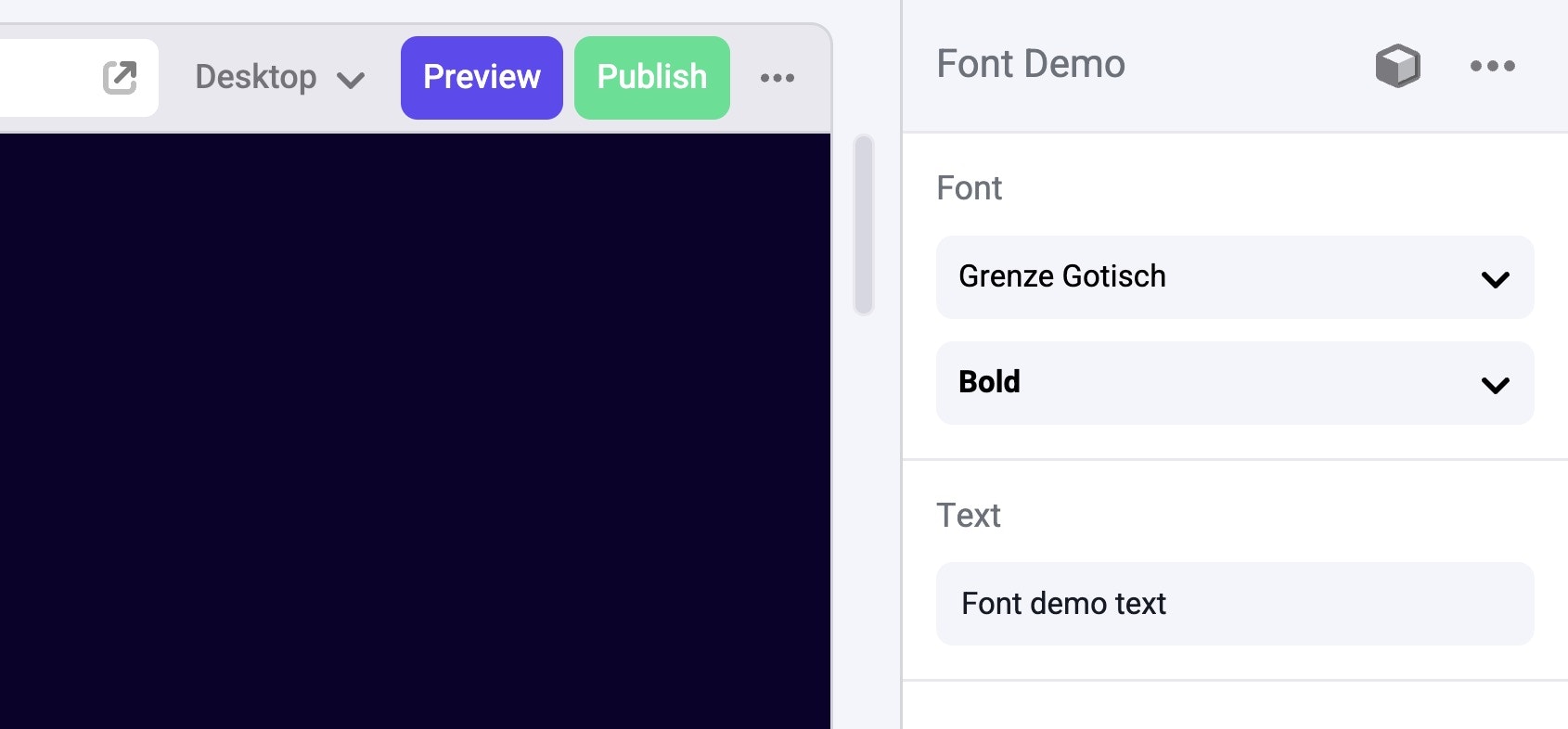
> The `Font` control allows you select a `fontFamily`, `fontStyle`, and `fontWeight`.
 ## Params
Text for the panel label in the Makeswift Visual Builder.
The description shown in the Panel of the Makeswift builder. This can be written in Markdown format.
Added in [`v0.24.8`](https://github.com/makeswift/makeswift/releases/tag/%40makeswift%2Fruntime%400.24.8).
A boolean to determine whether `fontStyle` and `fontWeight` are included in
the final value. This value changes what panel inputs are shown in the
Makeswift builder, and changes the type of defaultValue.
## Params
Text for the panel label in the Makeswift Visual Builder.
The description shown in the Panel of the Makeswift builder. This can be written in Markdown format.
Added in [`v0.24.8`](https://github.com/makeswift/makeswift/releases/tag/%40makeswift%2Fruntime%400.24.8).
A boolean to determine whether `fontStyle` and `fontWeight` are included in
the final value. This value changes what panel inputs are shown in the
Makeswift builder, and changes the type of defaultValue.
The default value passed to your component when no value is available. This
object includes three properties:
- `fontFamily` - `string`
- `fontStyle` - `"normal" | "italic"`
- `fontWeight` - `number`
Without `defaultValue` the data passed to your component is optional.
### Example
```ts theme={null}
defaultValue: {
fontFamily: 'var(--font-grenze-gotisch)',
fontStyle: 'italic',
fontWeight: 700,
},
```
## Prop type
The `Font` control passes an object with the following properties:
```ts theme={null}
{
fontFamily: string;
fontStyle: string;
fontWeight: number;
}
```