> ## Documentation Index
> Fetch the complete documentation index at: https://docs.makeswift.com/llms.txt
> Use this file to discover all available pages before exploring further.
# Backgrounds
> The backgrounds panel allows you to add color or media behind content inside of a box. This can be used to create visual interest, separate content, or add depth to your design.
Multiple backgrounds can be layered and sorted within a single box, including the following:
* Colors
* Images
* Gradients
* Videos
 ## Colors
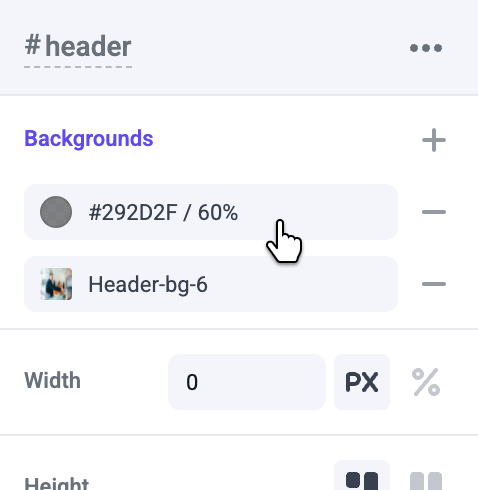
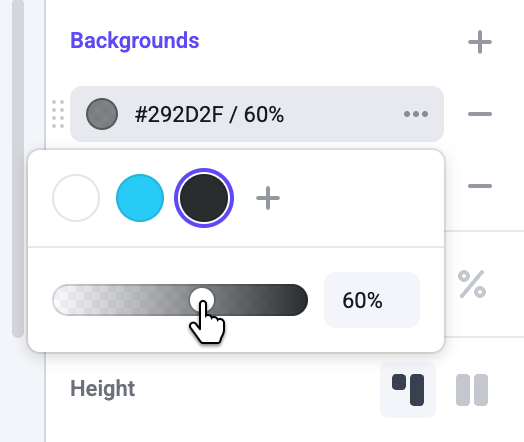
Colors can be set as a background fill. You can also layer translucent colors on top of background images to add overlays.
## Colors
Colors can be set as a background fill. You can also layer translucent colors on top of background images to add overlays.
 ## Images
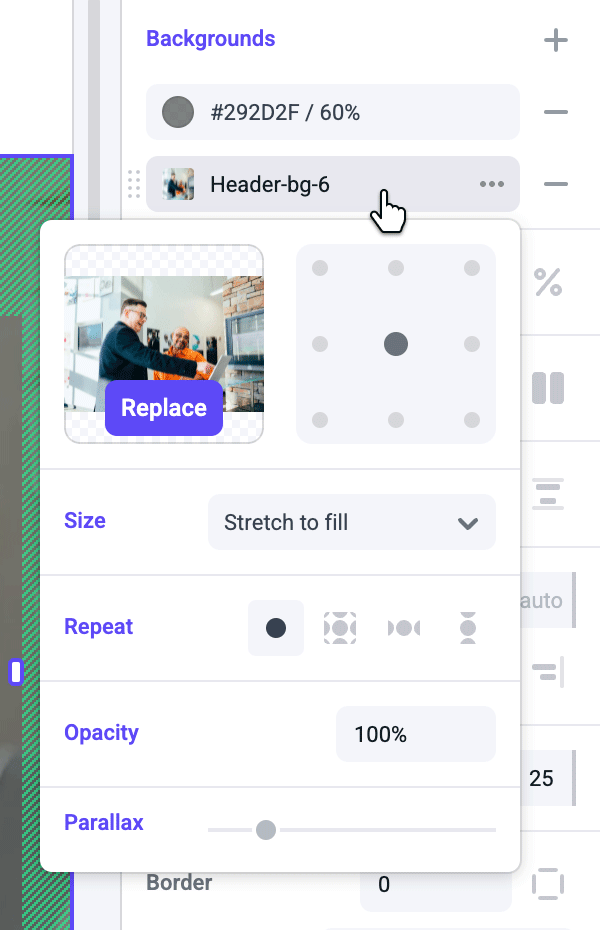
By default, background images will fill the entire box. You can also tile background patterns and choose where to anchor a background image. Parallax can also easily be added to background images using the parallax slider.
## Images
By default, background images will fill the entire box. You can also tile background patterns and choose where to anchor a background image. Parallax can also easily be added to background images using the parallax slider.
 ## Gradients
Multiple colors can be selected to create fades and other effects. Click on each color stop handle to select a color. Click anywhere on the gradient slider to add more color stops.
You can also change the direction of a linear gradient, or change it to a radial gradient.
## Videos
Use videos hosted on the following streaming platforms as backgrounds:
* YouTube
* Vimeo
* Wistia
* Facebook
* Dailymotion
* Twitch
Add a video by copying and pasting the link from your browser's URL bar from any of the above mentioned platforms. Background videos are set to autoplay, and are looped and muted by default.
## Gradients
Multiple colors can be selected to create fades and other effects. Click on each color stop handle to select a color. Click anywhere on the gradient slider to add more color stops.
You can also change the direction of a linear gradient, or change it to a radial gradient.
## Videos
Use videos hosted on the following streaming platforms as backgrounds:
* YouTube
* Vimeo
* Wistia
* Facebook
* Dailymotion
* Twitch
Add a video by copying and pasting the link from your browser's URL bar from any of the above mentioned platforms. Background videos are set to autoplay, and are looped and muted by default.